
Git 简单笔记
1. 最基础的工作流
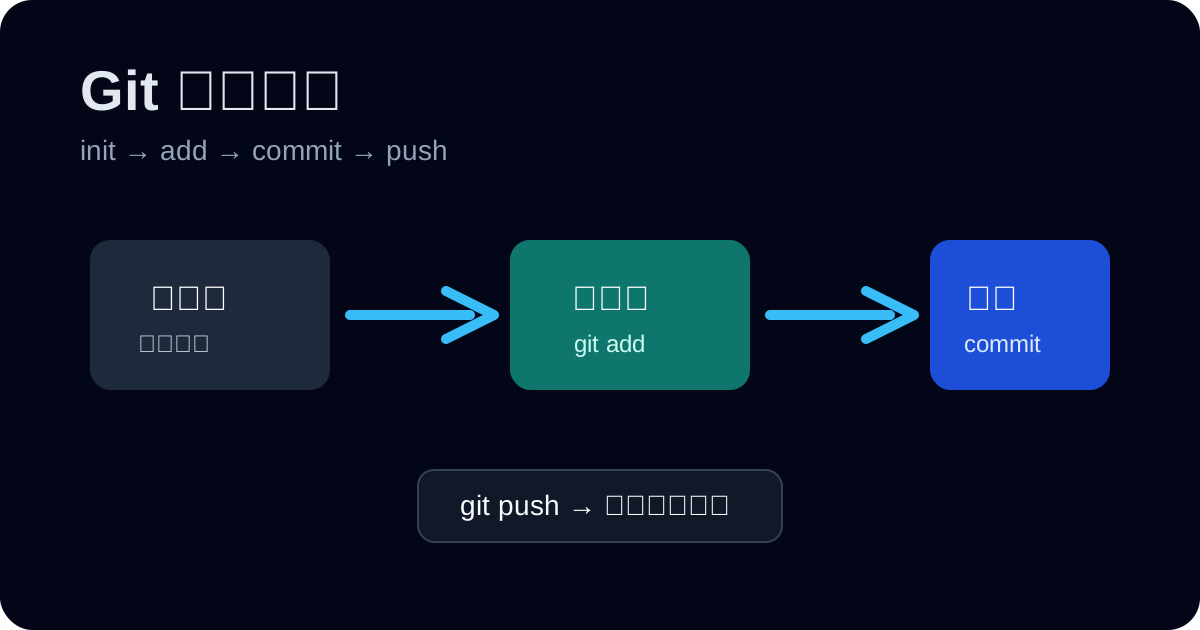
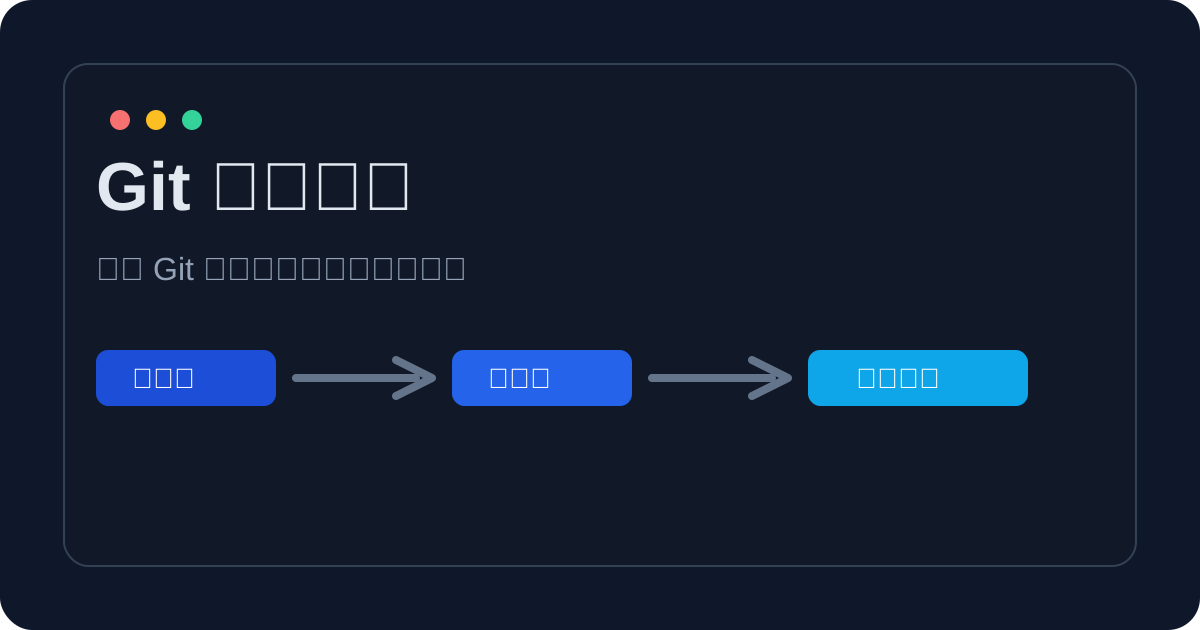
三步走:工作区 → 暂存区 → 仓库。
1git init # 初始化仓库2git status # 查看当前状态3git add . # 添加到暂存区4git commit -m "消息内容" # 提交到本地仓库2. 常用配置
1git config --global user.name "Your Name" # 配置用户名2git config --global user.email "you@example.com" # 配置邮箱3. 分支(够用版)
1git checkout -b feature/login # 新建并切换分支2git checkout main # 切回主分支3git merge feature/login # 合并分支4. 远程协作(最常用)
1git remote add origin git@github.com:your/repo.git # 绑定远程仓库2git push -u origin main # 首次推送并关联3git pull # 拉取远程更新5. 撤销与回滚(常见场景)
| 场景 | 命令 | 说明 |
|---|---|---|
| 修改了文件但不想要 | git checkout -- file | 回到上次提交 |
| 已 add 但不想提交 | git reset file | 从暂存区移出 |
| 提交错了 | git revert <commit> | 生成反向提交 |
6. .gitignore
1node_modules/2.DS_Store3dist/4*.log7. 快速命令清单
1git status # 查看当前状态2git add . # 添加到暂存区3git commit -m "msg" # 提交到本地仓库4git checkout -b feat/xxx # 新建并切换分支5git merge feat/xxx # 合并分支6git pull # 拉取远程更新7git push # 推送到远程仓库8git log # 查看历史记录9git reset --hart 版本号 # 版本穿梭